
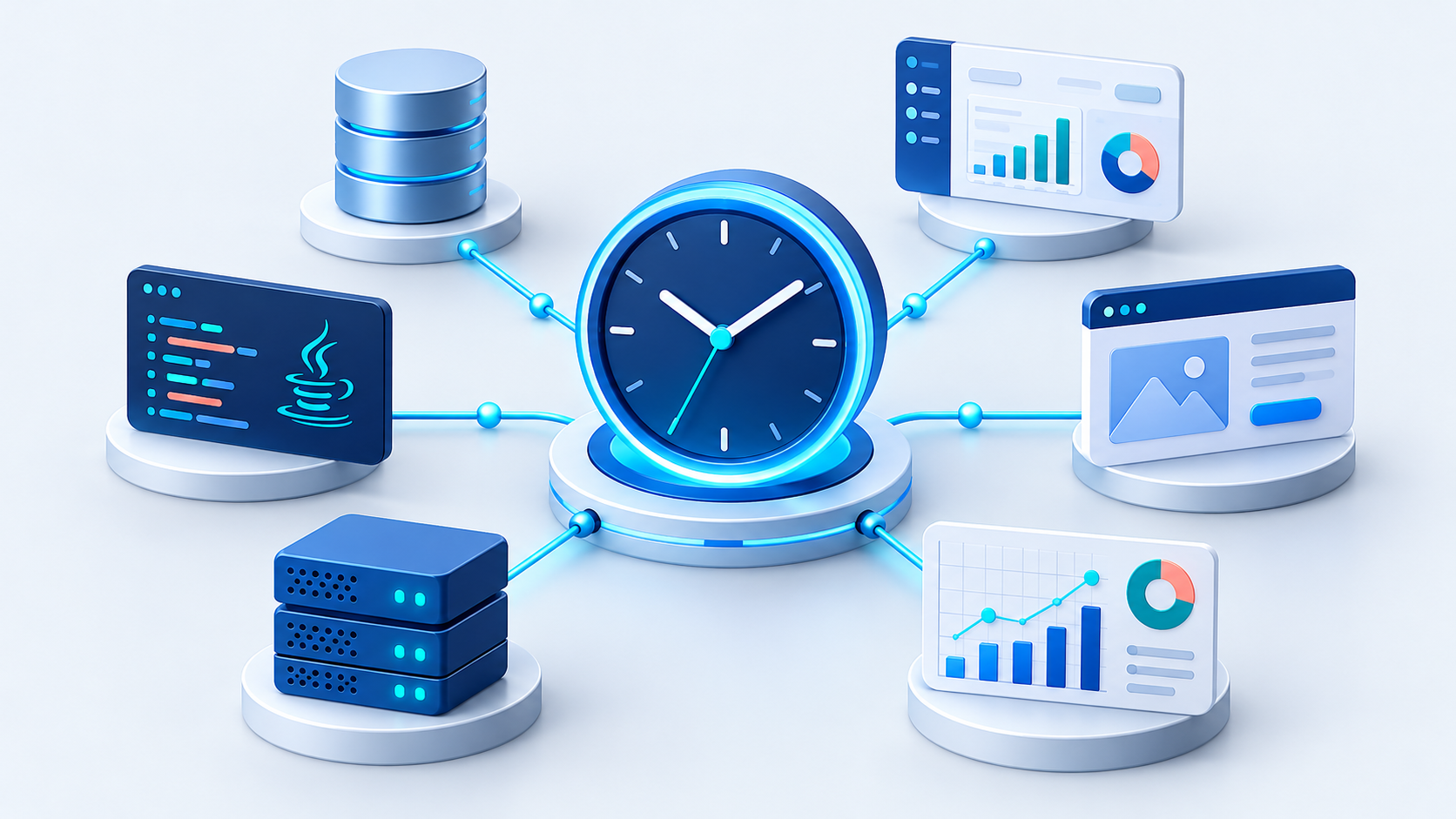
Overview
Build confidence before the calendar changes.
SQL Server applications often rely on current-date functions, stored procedures, scheduled workflows, transaction dates, aging logic, and connected application tiers. A complete test must keep those components on the same simulated timeline.
Representative Scenarios
What teams can bring into the test cycle
- Stored procedures and temporal queries
- Billing and transaction dates
- Data aging and retention logic
- Month-end and year-end processing
- Application-to-database synchronization
- Active Directory environments
The database challenge
Changing the server clock can affect authentication, scheduled jobs, logs, backups, and every other process sharing the host. Editing application or procedure code provides only partial coverage.
Apply virtual time to SQL Server
TimeShiftX can place selected SQL Server and application processes inside the same virtual-time container so they experience a chosen future, past, frozen, accelerated, or decelerated date.
Keep infrastructure on real time
The underlying Windows clock, Active Directory, security tokens, system files, and unrelated processes remain current.
Repeat and automate
Teams can rerun exact dates and connect TimeShiftX system commands to existing test scripts and CI/CD workflows.